
Trading Journal vs. Excel: Which Tracking Method Fits Your Workflow?
A fair, practical comparison between Excel trading journals and dedicated software. Compare logging friction, visual context, analytics automation, and long-term discipline.
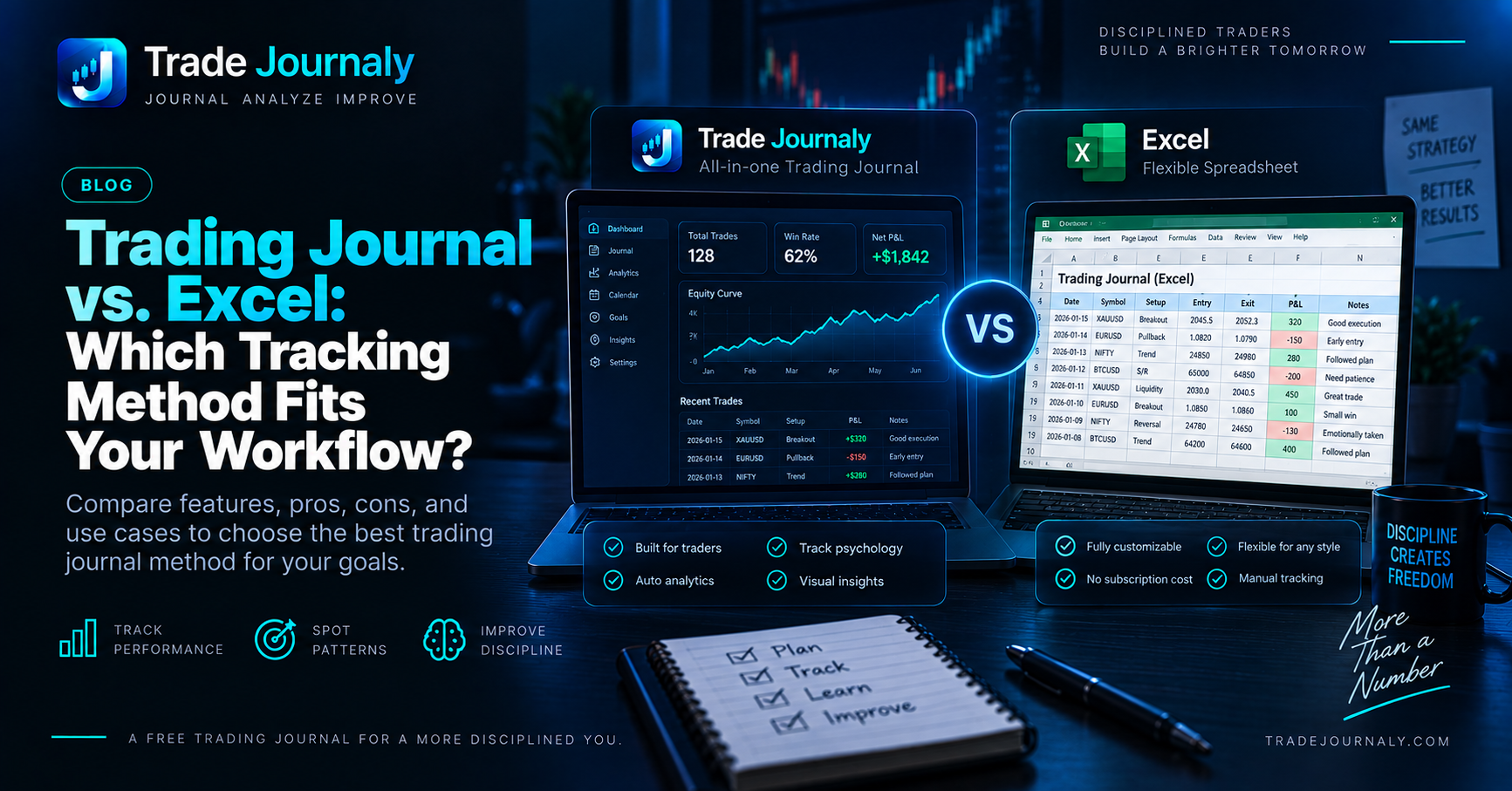
# Trading Journal vs. Excel: Which Tracking Method Fits Your Workflow?
Every trader arrives at a crossroad when deciding how to track their performance: Should I build a custom spreadsheet in Microsoft Excel or Google Sheets, or should I use a dedicated trading journal platform?
Both options have distinct advantages. Excel offers total flexibility and zero ongoing software costs, while modern trading journals eliminate manual data entry, embed chart screenshots, and automatically calculate complex behavioral telemetry.
In this guide, we compare both approaches across six core dimensions to help you decide which tool matches your trading frequency and workflow.
Head-to-Head Comparison Matrix #
| Evaluation Criteria | Excel / Google Sheets | Dedicated Trading Journal |
|---|---|---|
| Initial Setup Time | 2–5 Hours (Designing formulas & tabs) | Instant (Sign up and begin logging) |
| Logging Friction | High (15+ fields entered manually per trade) | Low (Screenshot AI extraction or fast form) |
| Chart Screenshot Support | Very Poor (Links to external cloud files) | Native (Embedded before/after visual cards) |
| Formula Integrity | Fragile (Accidental cell edits break stats) | Institutional (Deterministic server calculations) |
| Psychology & Leak Telemetry | Manual (Requires manual tagging and pivot tables) | Automated (Flags revenge trading & moved stops) |
| Data Customization | 100% Fully Custom | Structured around proven trading standards |
| Ongoing Cost | Free / Low | Free tiers available; premium for power users |
1. Data Entry Speed & Daily Friction #
The number one reason traders abandon their journal is logging fatigue.
- The Excel Workflow: After a 4-hour trading session, you open your broker order ledger, copy the fill price, enter your stop loss, calculate your position size, type in the commission fee, and verify your formula didn't break. For a scalper taking 8 trades a day, this takes 20 to 30 minutes of tedious data entry.
- The Dedicated Journal Workflow: You upload a single screenshot of your order ticket or fill confirmation. AI vision extracts the symbol, direction, entry, exit, quantity, and net P&L in under 3 seconds. You confirm the values, attach your playbook setup, and move on.
2. Visual Context: Remembering Market Structure #
A trade is not just a collection of numbers. It is a story told on a price chart.
- In a spreadsheet, your best trade might look like
+ $1,250.00 / + 2.5R. But six months later during your annual review, you have no memory of what the market structure looked like. Was it a double bottom? A breakout of the Asian session high? A high-volume rejection candle? - Dedicated trading journals preserve before and after chart screenshots alongside the execution data. When you review your winning setups, you can instantly see the exact chart patterns that produced your highest expectancy.
3. Risk Normalization & Mathematical Edge #
Measuring trading performance strictly in dollars and cents creates severe cognitive distortions:
$$\text{Realized } R = \frac{\text{Net Realized P\&L}}{\text{Initial Cash Risk at Stop Loss}}$$
If an Excel sheet does not accurately compute initial risk per trade ($1\text{R}$), an oversized lucky win can mask five disciplined losses, giving you a false sense of security. Dedicated trading journals normalize every outcome into R-multiples ($+2.0\text{R}, -1.0\text{R}, +3.5\text{R}$), proving whether you possess a true statistical edge.
The Verdict: Which Should You Choose? #
Choose an Excel Spreadsheet If: #
- You are a long-term swing trader or position trader taking fewer than 5 trades per month.
- You love designing custom spreadsheet formulas, macros, and personal pivot tables.
- You do not rely on chart screenshots for visual setup review.
Choose a Dedicated Trading Journal If: #
- You are an active day trader, scalper, or prop-firm challenge trader taking multiple executions per week.
- You want to eliminate 15 minutes of manual copy-pasting every single session.
- You want automated detection of psychological leaks like revenge trading, oversizing, and moving stop losses.
Turn your trading history into something you can learn from.
Eliminate emotional revenge trading and moving stop-losses with TradeJournaly's zero-credential AI screenshot extraction terminal.